Prompting
How to write video prompts: camera movement, light and pacing
A good video prompt describes one continuous shot: what the camera does, where the light comes from, how the subject moves. Practical rules and examples based on the Veo, Wan and MiniMax guides.
Zling AI Team6 min read
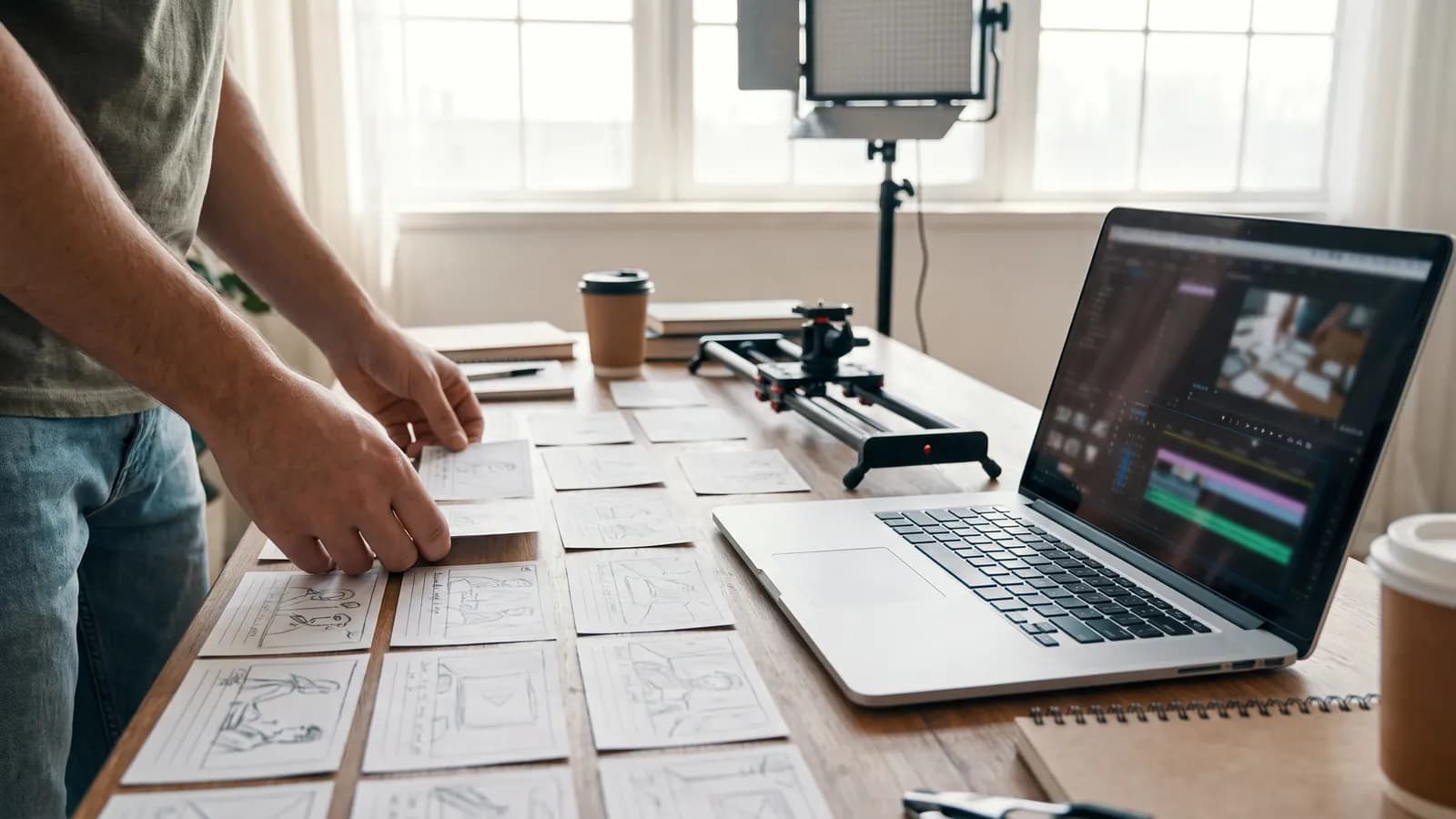
Short answer: a good video prompt describes one continuous shot: what the camera does, where the light comes from, how the subject moves and how many seconds the clip lasts. What sets it apart from an image prompt is that time is involved: write a single main movement, a single camera move and a clear pace at once. The advice in this article rests on Google's Veo 3.1 guide, Alibaba's Wan guide and MiniMax's API documentation.
What should the skeleton of a video prompt look like?
Google's Veo 3.1 guide suggests a five-part formula: cinematography + subject + action + context + style and ambiance. Alibaba's Wan guide gives the basic text-to-video formula as "subject + scene + motion", with aesthetic control and style added in the advanced version. Both guides say the same thing: a prompt that does not describe the camera and the light tends to produce a static shot in an undefined setting.
Weak: A man walks through a market.
Better: Medium tracking shot following an elderly man in a green scarf as he walks slowly through a busy morning market, steam rising from food stalls, soft overcast light, warm muted colors, natural handheld feel.
How should you write camera movement?
The Veo guide groups camera language in three sets: movement (dolly, tracking shot, crane shot, aerial view, slow pan, POV), composition (wide shot, close-up, extreme close-up, low angle, two-shot) and lens and focus (shallow depth of field, wide-angle lens, soft focus, macro lens). The Wan guide gives a similar vocabulary and explains what each move does:
- Push in: Conveys intimacy or tension.
- Pull out: Shows scale or isolation.
- Orbit: Emphasizes the subject; the Wan guide suggests keeping the arc under 45 degrees to avoid spatial distortion.
- Fixed camera: Conveys stillness and focus.
MiniMax's H3 documentation suggests writing the camera command in square brackets, right after the relevant description, for example [pan], [zoom] or [static]. Whichever tool you use, write one camera move per clip; complex combinations such as "orbiting while rising and zooming" often come out inconsistent.
How do you describe light?
The Veo guide has no separate section on light; light is described in the "style and ambiance" part of the formula, for example "soft morning light" or "a single, dramatic spotlight from the front". The Wan guide is more detailed: daylight, firelight, overcast, soft or hard light; side light, rim light, backlight, top light for direction; high or low contrast, warm or cool colors for tone.
Close-up of a violinist's hands, warm backlight from a low window creating a golden rim on the strings, shallow depth of field, slow push in.
Practical rule: state the source and direction of the light, then add the tone.
How do you manage subject motion and pacing?
The Wan guide gives clear rules for motion: state amplitude and speed ("slowly", "quickly"), keep actions simple and short, do not write long choreographies, build a clip as one continuous shot and leave scene changes between clips. In image-to-video, since the image already defines the subject, scene and style, write only what will move and what the camera will do.
Image-to-video: The child slowly blows on the dandelion; seeds drift to the right and out of frame. The camera stays fixed.
Use adverbs for pace: "slowly", "gently", "in one quick motion". If you do not write the pace, the model may choose a motion that is too fast or too slow.
How do you balance duration and number of events?
Official limits vary by model: 4, 6 or 8 seconds for Veo 3.1, 2 to 15 seconds for Wan's hosted versions (2.6 and later), 4 to 15 seconds for MiniMax H3. The rule is simple: the shorter the duration, the fewer the events. Three events do not fit in four seconds; either lengthen the clip or cut events.
For multi-shot storytelling, the Veo guide suggests timestamped prompts: you write a separate shot for each time slice. The Wan guide recommends a similar structure for 2.6 and 2.7: an overall description followed by numbered shots with timestamps.
[00:00-00:03] Wide shot of a lighthouse on a cliff at dusk, waves crashing below.
[00:03-00:06] Close-up of the lantern room, warm light turning on. SFX: low wind and a distant bell.
How do you write sound and speech?
The Veo guide suggests writing sound on separate lines: speech in quotation marks (A woman says, “We have to leave now.”), effects with "SFX:", ambient sound with "Ambient noise:". The Wan guide suggests adding sound, effects and music next to the visual prompt in 2.5 and later. Do not write long lines in a short clip; the Wan guide also says not to expect reliable lip sync to specific words.
How do you describe what you do not want?
The Veo guide recommends describing what you want instead of writing what you do not; for example, "a desolate landscape with no buildings or roads" instead of "no man-made structures". It is also a good habit not to name real people: the Wan guide notes that platforms may reject them or give inconsistent results.
How should a prompt-testing process run?
- Start short and at low resolution: Test the idea in a small clip.
- Change one variable: If the motion is too fast, change only the pace word; if the framing is wrong, change only the camera sentence.
- Pin the first and last frame: In models that support it, supplying start and end images makes clear how the clip begins and ends.
- Go to high resolution last: Once the prompt has matured, take the final at high resolution.
- Save: Cloud links may be time-limited; download what you like right away.
Three video prompts for the same idea
To make the rules concrete, let us adapt the same idea to three kinds of clip. Each has a single action, a single camera move, clear light and an explicit pace.
Product clip: The product itself does not move; the camera does.
Slow orbit around a glass bottle of olive oil on a marble counter, arc under 45 degrees, warm side light from a window, soft reflections on the glass, shallow depth of field.
Portrait clip: A small facial movement and a fixed camera are enough for emotion.
Close-up of a young woman looking out of a train window, she slowly turns toward the camera and smiles, soft overcast light, fixed camera, quiet ambient train sound.
Landscape clip: Natural motion and a slow camera are enough; no complex event is needed.
Wide aerial shot slowly pulling back from a lone cabin beside a lake at sunrise, mist drifting across the water, golden low light, calm pace.
What the three examples share is that a clip tells a single thing. If you want more, split the clip and generate the parts separately; then join them.
Common mistakes
- Loading a short clip with many events: Pick one main movement.
- Writing several camera moves: One move per clip is enough.
- Skipping the light: If light is not written, the model chooses its own and the result may look flat.
- Not writing the pace: Without a speed word, the motion comes out at an unexpected speed.
- Re-describing the photo in image-to-video: Do not repeat what the image shows, write the motion.
- Writing long dialogue: Short, clear lines work better.
Summary
- A video prompt describes one continuous shot: camera, subject, action, context, light and style.
- Write one main movement and one camera move per clip; keep orbit arcs small.
- State the source, direction and tone of the light; mark pace with adverbs.
- The shorter the duration, the fewer the events; build long stories clip by clip or with timestamps.
- Write sound on separate lines; describe what you do not want in positive terms.
Frequently asked questions
How long should a video prompt be?
The Wan guide does not state a length limit; its examples are multi-sentence paragraphs covering every dimension of the formula. In image-to-video, short prompts describing motion and camera are usually enough, since the image supplies the rest.
How should I write camera movement?
Write the movement by name: dolly, tracking shot, push in, pull out, orbit or fixed camera. MiniMax's documentation suggests putting the command in square brackets right after the relevant description. Pick one move per clip.
How do I add sound and speech to a video?
According to the Veo guide, write speech in quotation marks, effects with 'SFX:' and ambient sound with 'Ambient noise:'. Choose short lines for a short clip, and make sure the model you use supports sound.
How do I write several shots in one prompt?
The Veo guide suggests timestamped writing: one shot per time slice. The Wan guide also recommends an overall description and numbered, timestamped shots for 2.6 and 2.7. If a model does not support multi-shot writing, generate the clips separately and join them.
Why does the motion come out too fast or too slow?
You most likely did not write the pace. State the amplitude and speed of the motion with adverbs such as 'slowly' or 'quickly' and keep the action simple; then retry, changing only that word.
Sources
Related posts

Prompting
How to write a good prompt: 12 rules for images
A good image prompt describes the scene in sentences with concrete, showable details. We gathered 12 rules with before-and-after examples and the recommendations in official documentation.
6 min read
Prompting
What do seed, aspect ratio and other settings do?
Seed helps reproduce a result, aspect ratio sets the framing, and guidance and strength control how closely the model follows you. We explain each setting's documented behavior and practical use.
7 min read
Prompting
Keeping the same character consistent across scenes with AI
The way to keep a character consistent: clear reference images, a detailed character description and editing instead of regenerating. We explain the counts, limits and consent rule from official documentation.
7 min read