Blog
Plain guides to creating photos and videos with AI: models, prompt writing, settings and safe use.
More posts
Models
What is Nano Banana? Editing photos with Google's image model
Nano Banana is the nickname of Google's Gemini image models. You upload a photo, say in one sentence what should change, and the model keeps the rest. This guide covers the versions, prompt examples and limits.
10 min read
Models
Video generation with Veo 3.1: what it does and where it stops
Veo 3.1 is Google DeepMind's model that turns text and photos into short videos with sound. We cover what it can do according to the official docs, its length and resolution limits, and how to build a good video prompt.
9 min read
Models
From photo to video with Kling: motion, camera and length
Kling is Kuaishou's video model: it takes a photo as the starting point and animates it according to the motion you describe. We cover lengths by version, camera and motion prompts, video with sound and common mistakes.
9 min read

Models
Seedance and Seedream: ByteDance's video and image models
Seedance makes video and Seedream makes images; both come from ByteDance's Seed team. We cover the versions, the capabilities in the official announcements, which one to pick for which job and how to use both in one workflow.
8 min read
Models
FLUX models: sharp text-to-image results and legible lettering
FLUX is the image model from Black Forest Labs, founded by researchers behind Stable Diffusion. We cover its versions, its strength in prompt adherence and lettering, the licences of the open-weight models and prompt tips.
9 min read
Models
What are the Wan video models and how do you use them?
Wan is Alibaba's family of video models. Some releases are downloadable as open weights, while newer ones are offered as a hosted service on Alibaba Cloud. Versions, limits and prompting, taken from official sources.
8 min read
Models
Short video with MiniMax Hailuo: models and prompt tips
Hailuo is MiniMax's family of video models. Hailuo 02 and 2.3 arrived in 2025 and H3 followed in July 2026. Official capabilities, reference-based generation and short-clip prompts, in one guide.
7 min read
Models
The best AI video models in 2026: comparison and buying guide
There is no single best video model; it depends on the job. We compared Veo, Kling, Seedance, Wan and Hailuo using only official sources: maker, inputs, duration, strengths and best uses.
7 min read
Models
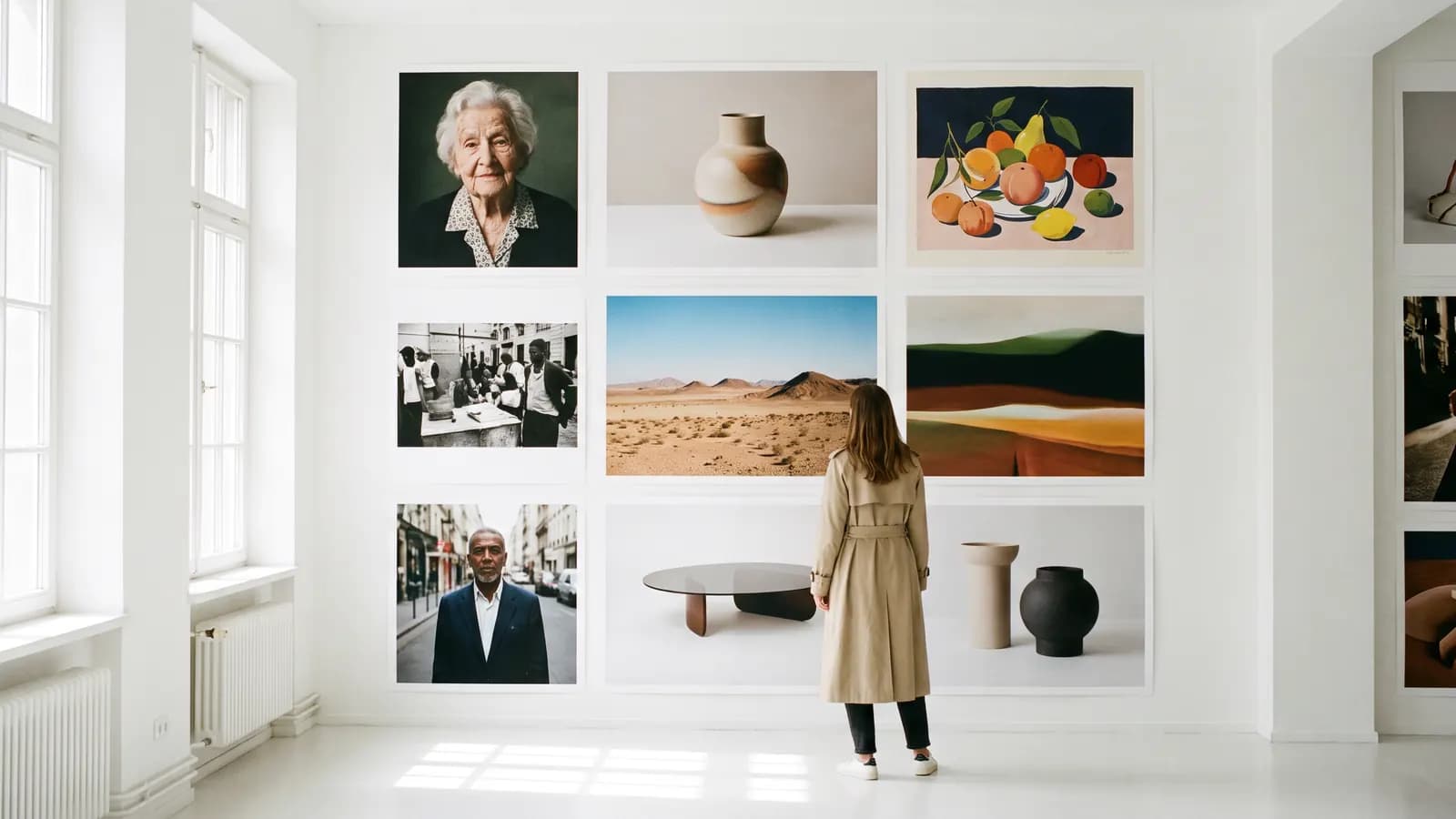
The best AI image models in 2026: which one for which job?
The best AI image model depends on the job. We compared Nano Banana, Seedream and FLUX using only official sources: who makes it, what it takes, what resolution it reaches, and where it stands out.
6 min read
Prompting
How to write a good prompt: 12 rules for images
A good image prompt describes the scene in sentences with concrete, showable details. We gathered 12 rules with before-and-after examples and the recommendations in official documentation.
6 min read
Prompting
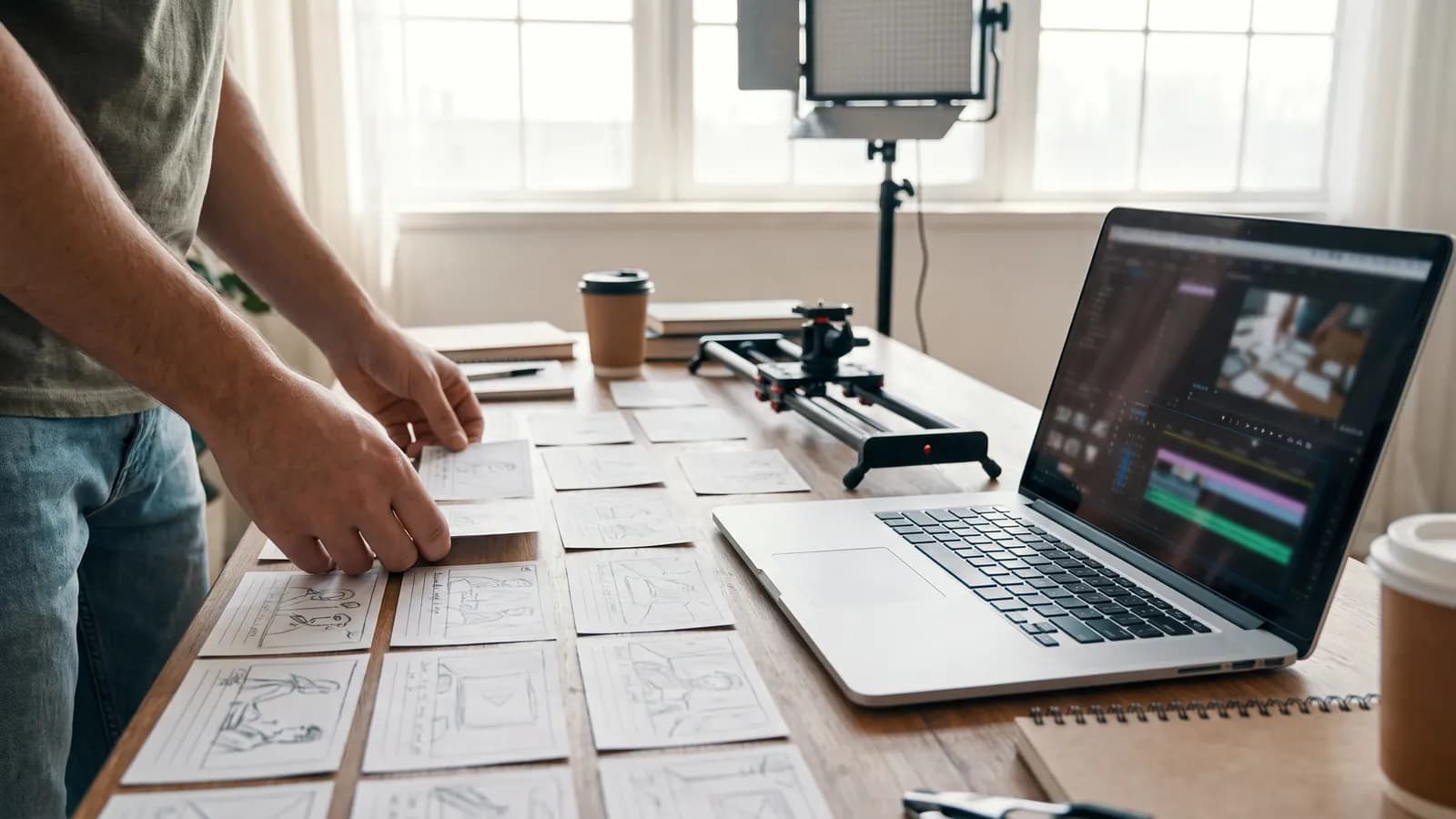
How to write video prompts: camera movement, light and pacing
A good video prompt describes one continuous shot: what the camera does, where the light comes from, how the subject moves. Practical rules and examples based on the Veo, Wan and MiniMax guides.
6 min read
Prompting
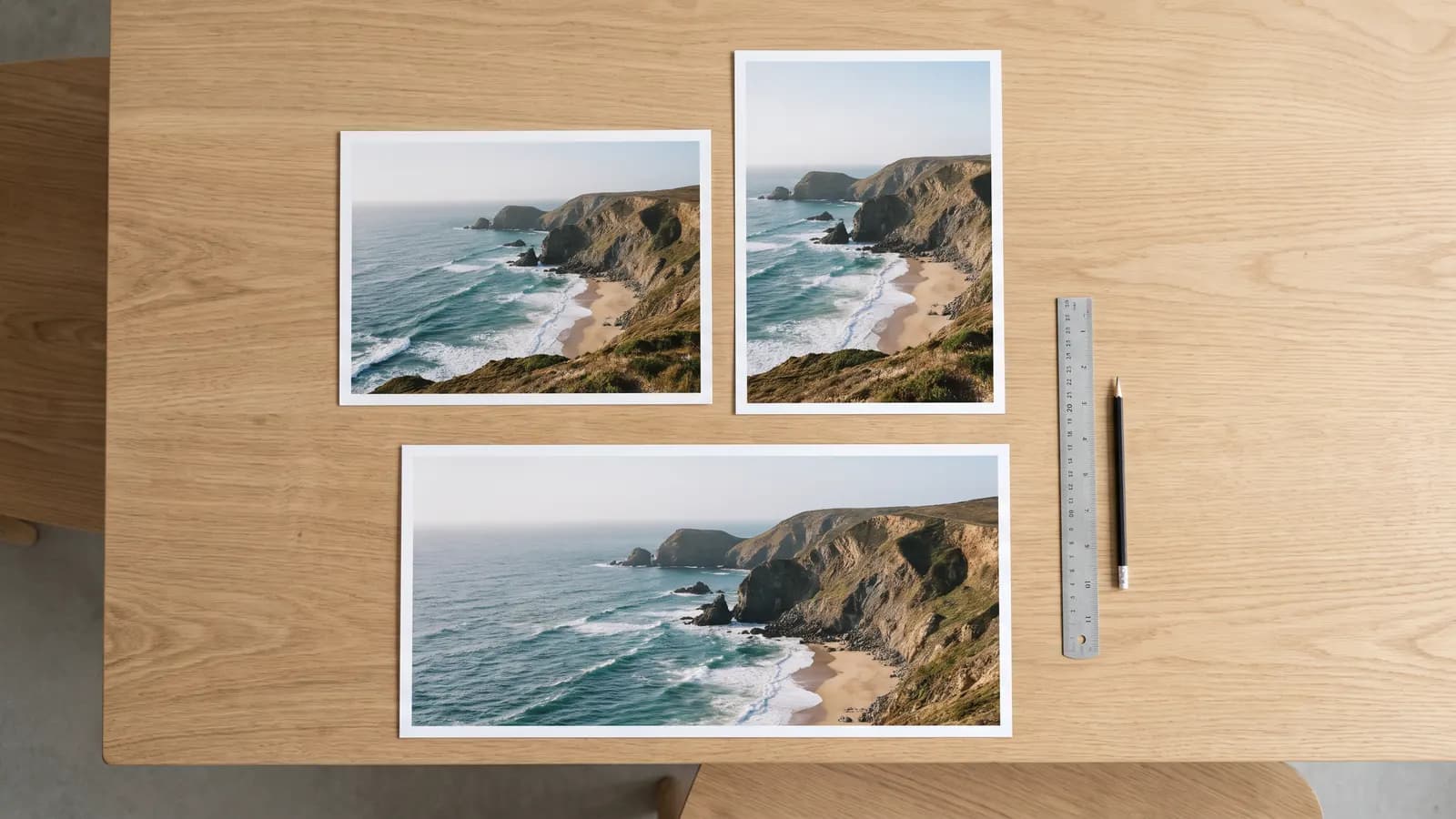
What do seed, aspect ratio and other settings do?
Seed helps reproduce a result, aspect ratio sets the framing, and guidance and strength control how closely the model follows you. We explain each setting's documented behavior and practical use.
7 min read
Prompting
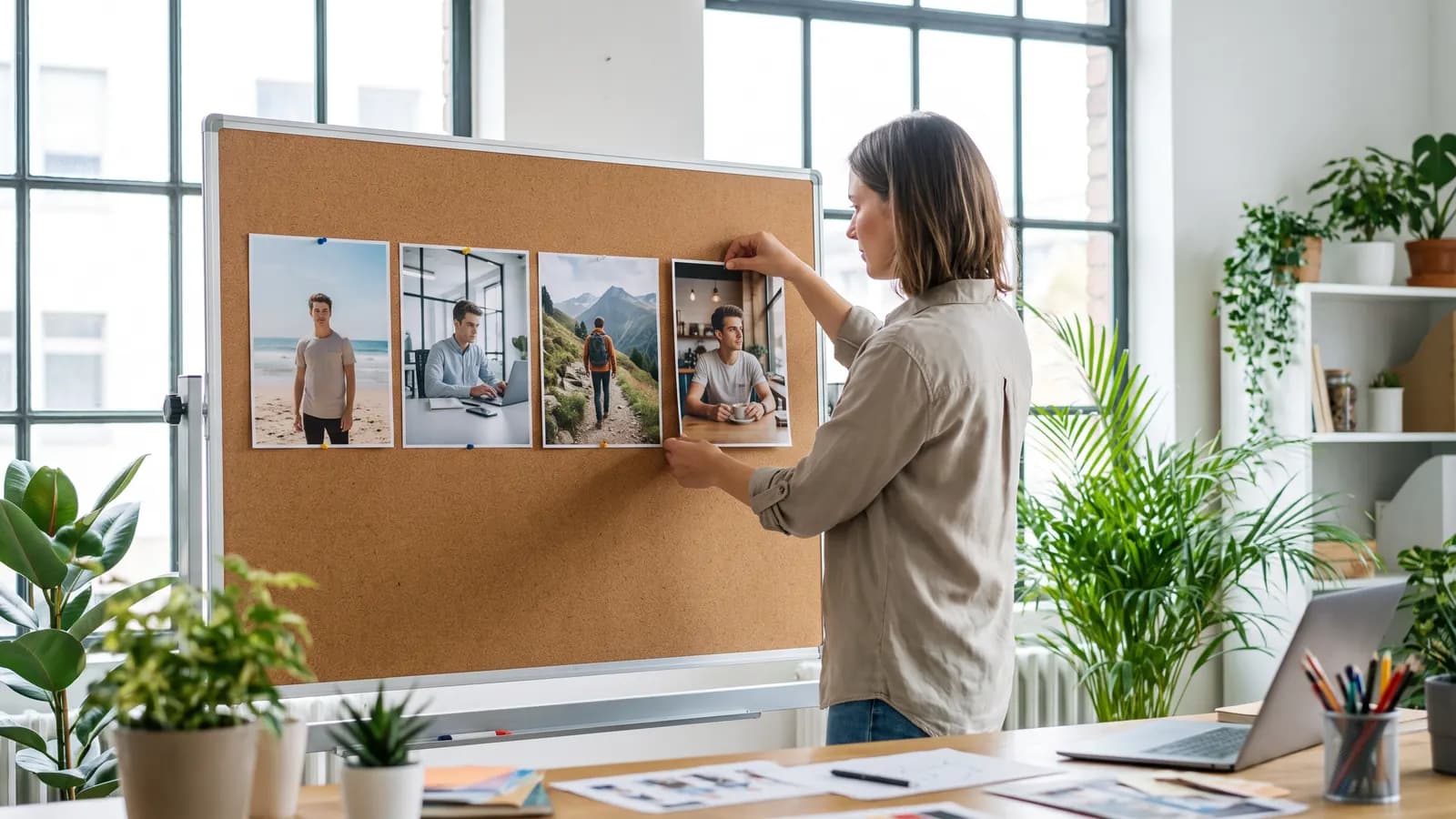
Keeping the same character consistent across scenes with AI
The way to keep a character consistent: clear reference images, a detailed character description and editing instead of regenerating. We explain the counts, limits and consent rule from official documentation.
7 min read
Photo
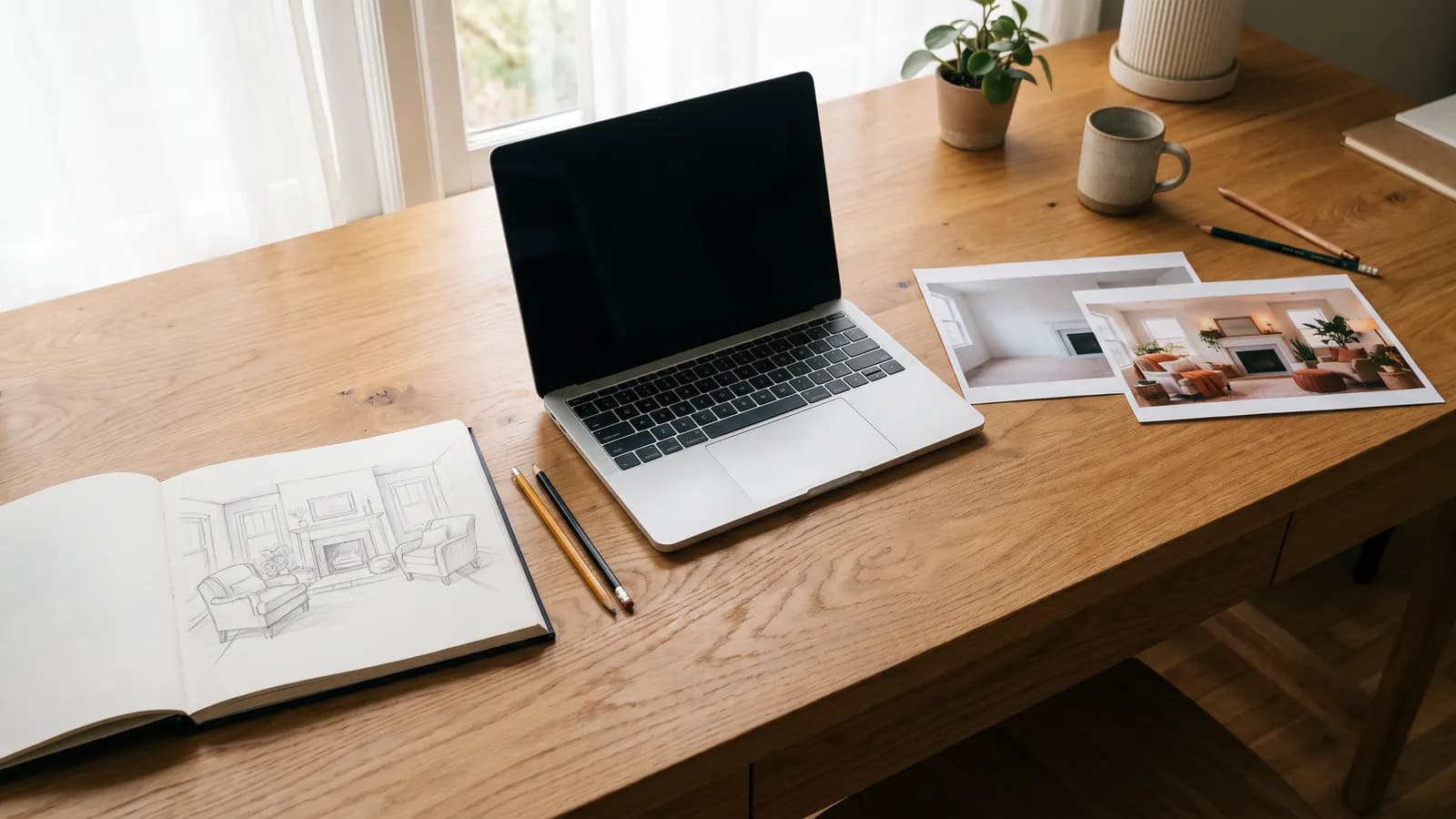
Text-to-image or image-to-image? Choosing the right mode
Start from text when you only have an idea, and from a photo when something must stay the same. We explain what each mode keeps and changes, how reference images work and show example prompts.
7 min read

Photo
AI professional profile photo: a guide for your CV and LinkedIn
A good profile photo helps people recognise you, not show someone else. We cover choosing the source photo, lighting, outfit and background prompts, and the rules for staying honest.
7 min read
Photo
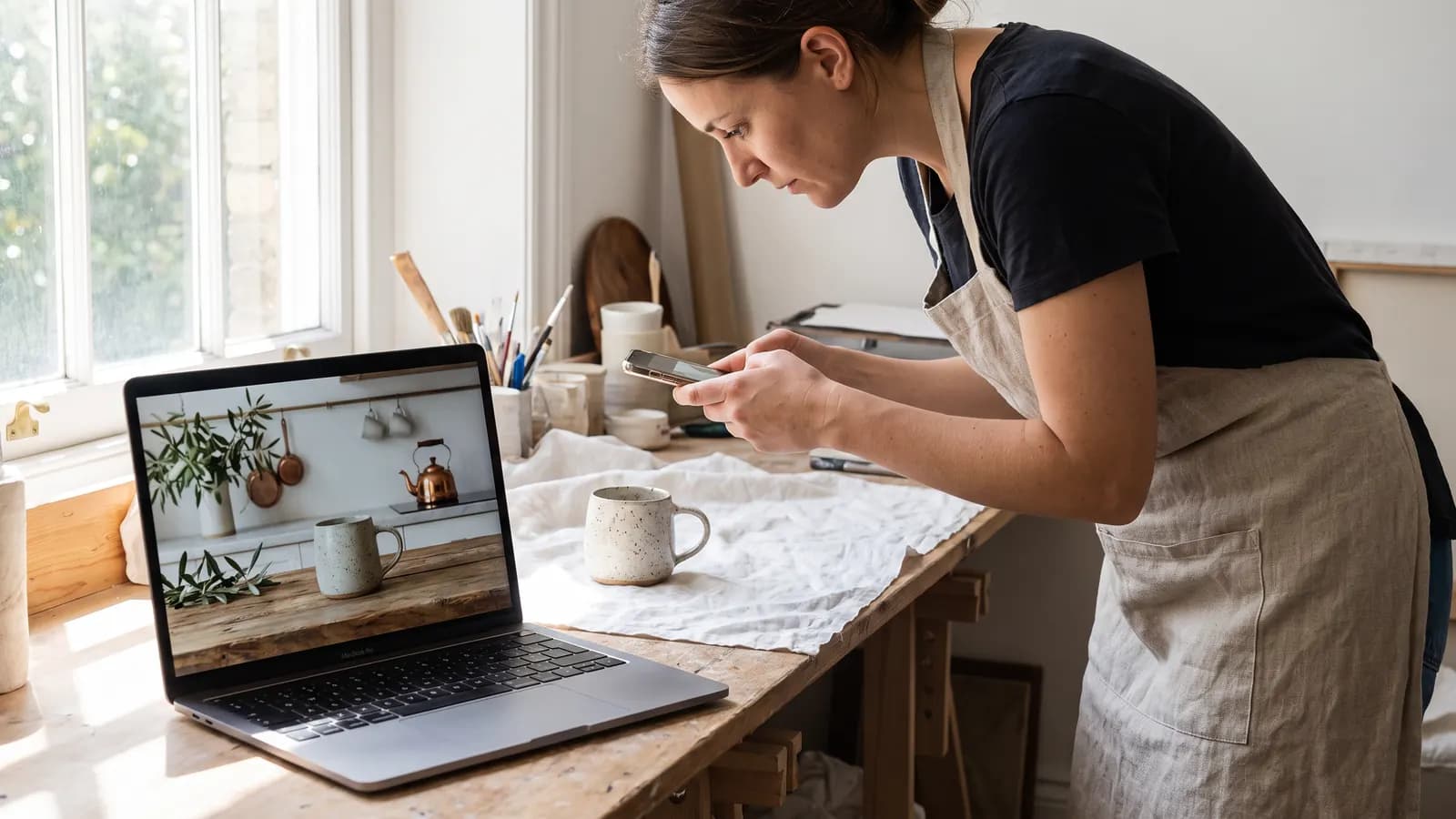
Product photography without a studio: AI step by step
A clean product photo taken with a phone can be moved into different scenes with AI. We cover the source photo, scene prompts, catalogue consistency and the rule of not misrepresenting the product.
7 min read
Photo
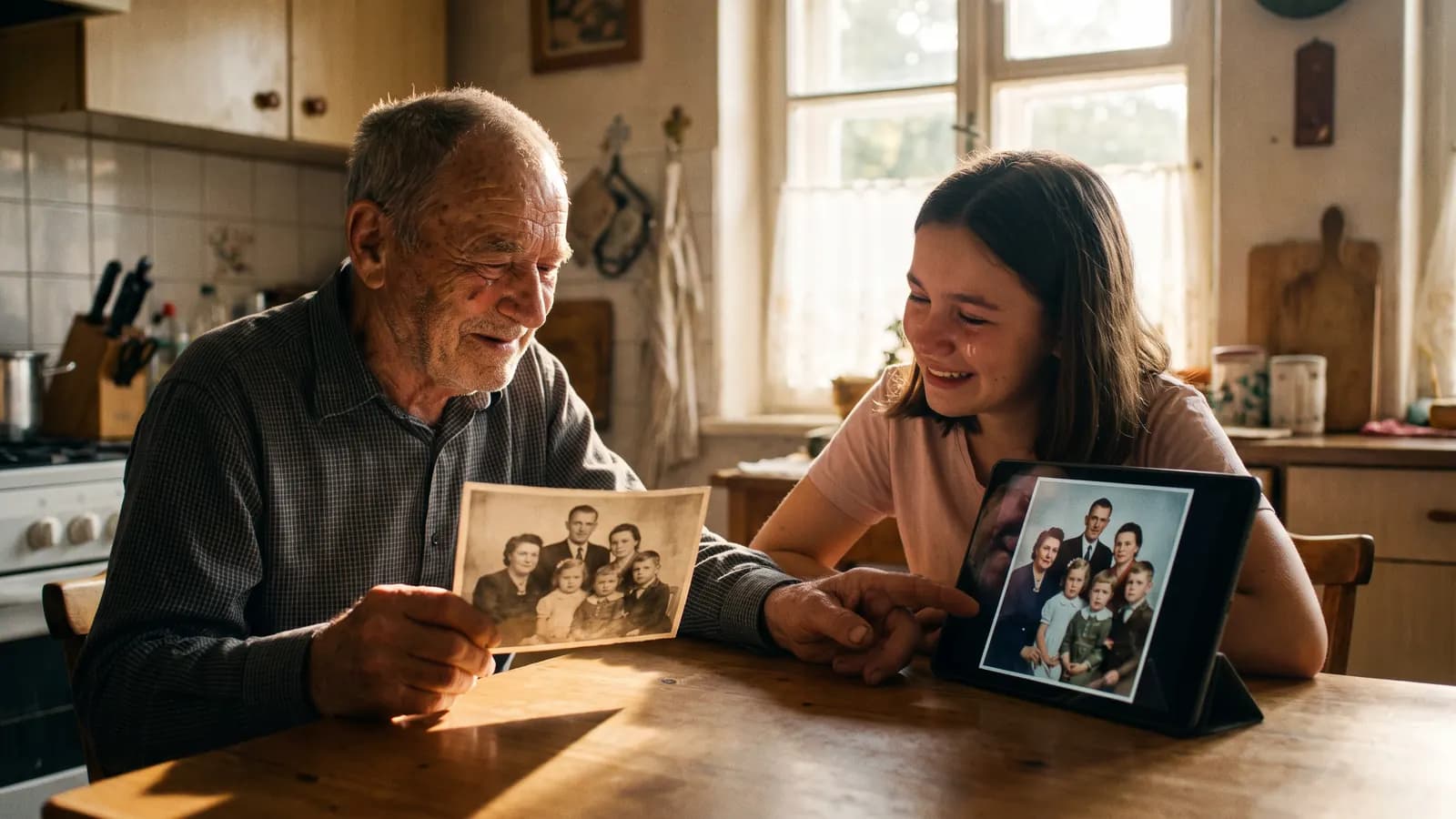
Restoring and colorising old photos with AI
A good scan is half of an AI restoration. We explain how to scan an old photo, what AI recovers and what it invents, how to keep faces faithful and how to label a restored image.
7 min read

Photo
Background replacement and object removal with AI: the basics
Replacing a background and erasing an object can be done in a few rounds with the right prompt. We cover prompts, edge and light matching, common mistakes and the ethical limit of altering photos.
7 min read
Video
Photo to video: giving motion to a still image
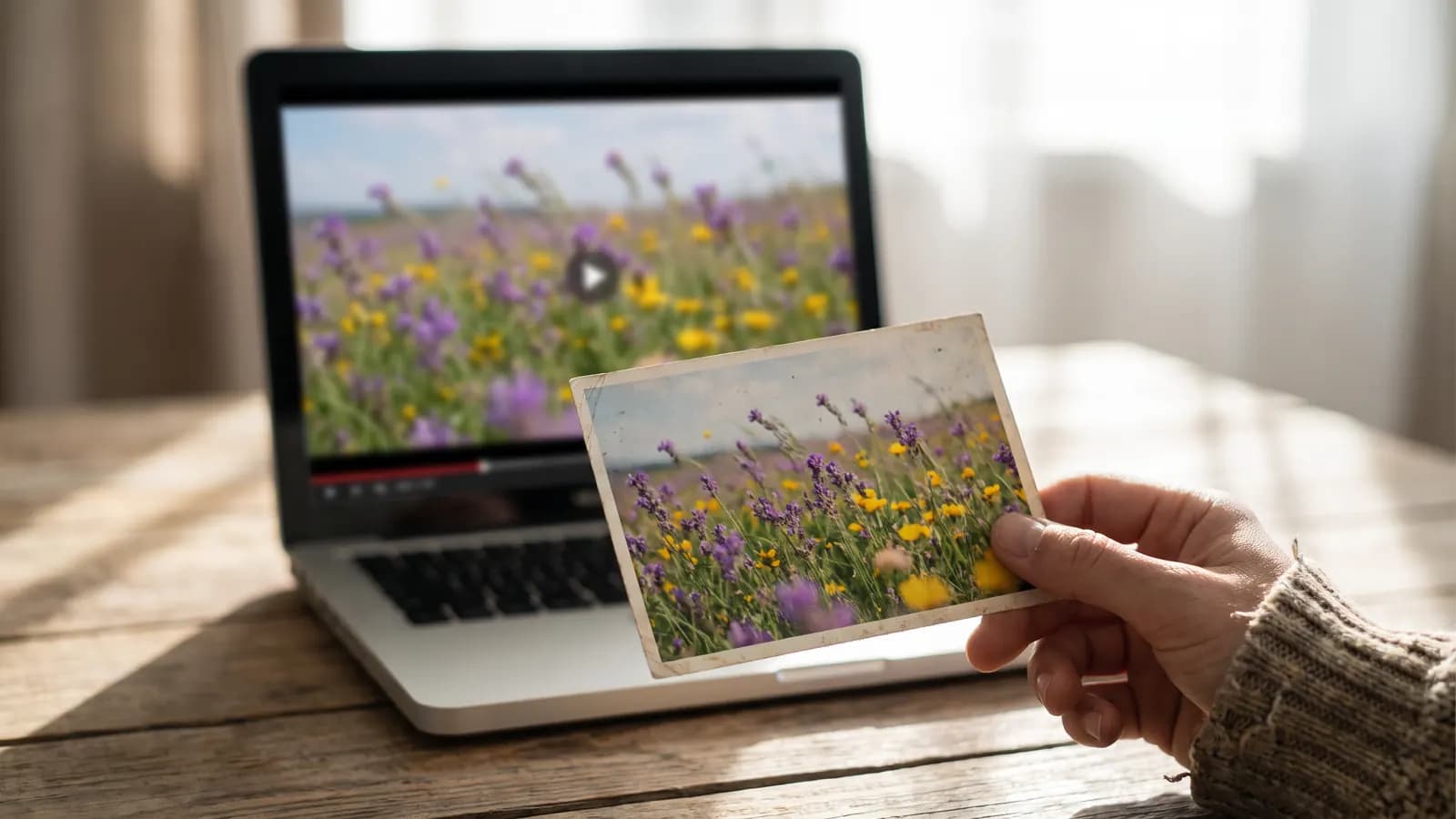
A good frame, one motion and one camera move are enough to turn a photo into a video. We explain how to pick the photo, write prompts, set the duration and prevent common artefacts.
7 min read
Video
AI video for Reels, TikTok and Shorts: a vertical format guide
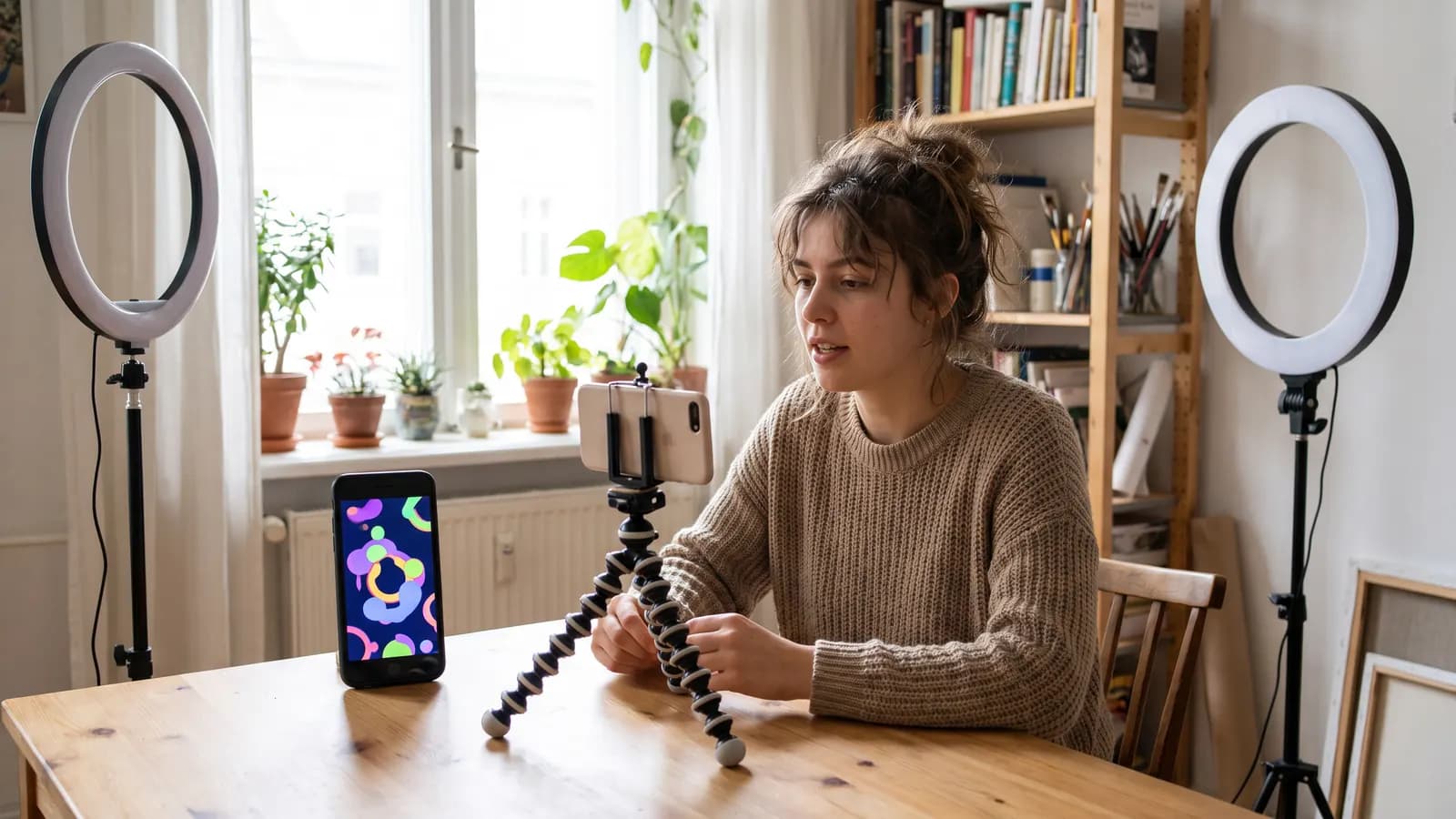
In short-form video the first second, a vertical frame and clean pacing decide everything. We cover the 9:16 format, duration and pacing, the hook, safe areas and AI labelling rules.
7 min read
Video
AI product promo video: from storyboard to edit
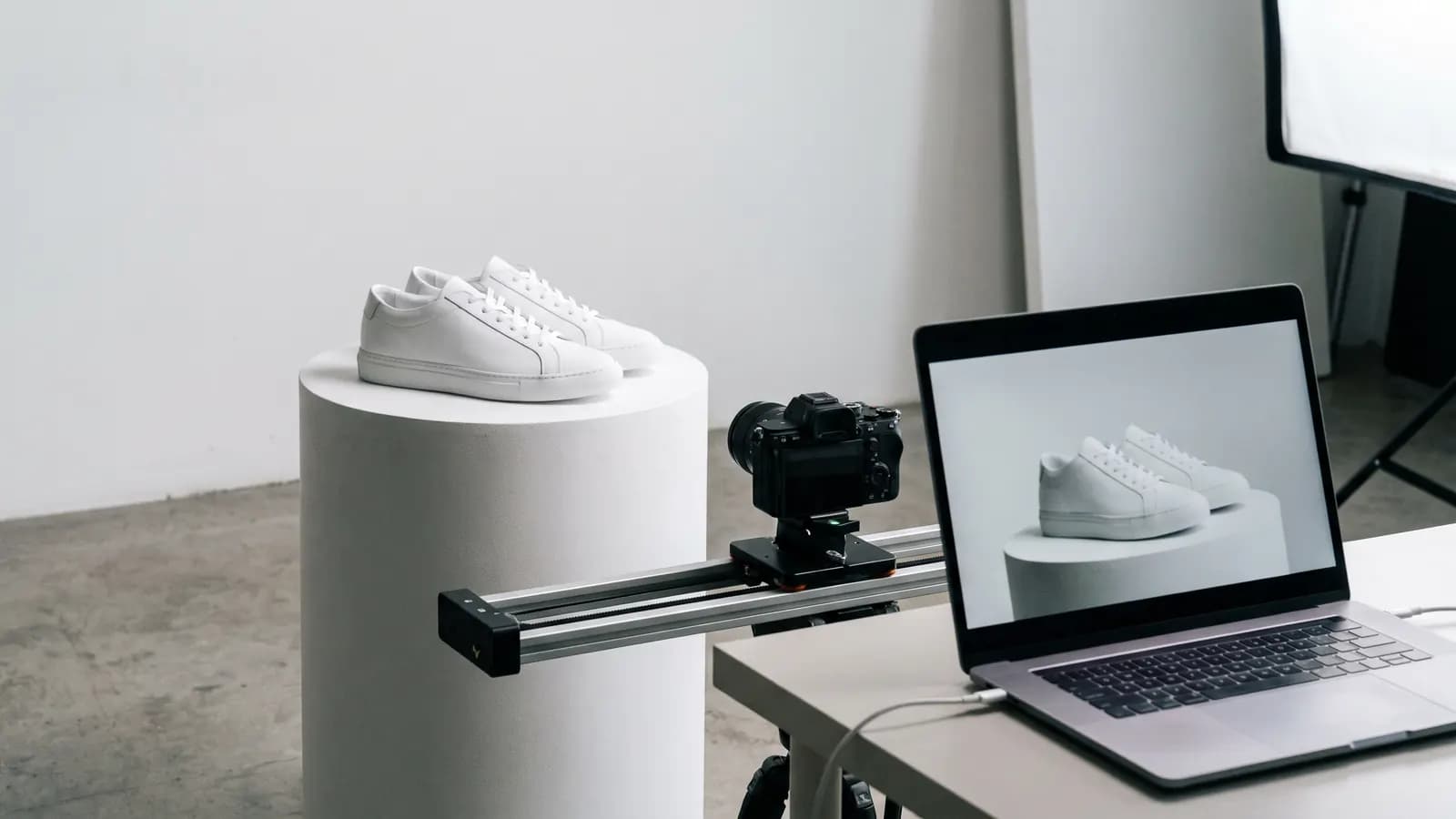
In a product video the product must look the same in every frame. We cover the storyboard and shot list, image-to-video consistency, adding text in the edit and honesty in advertising.
7 min read
Guides
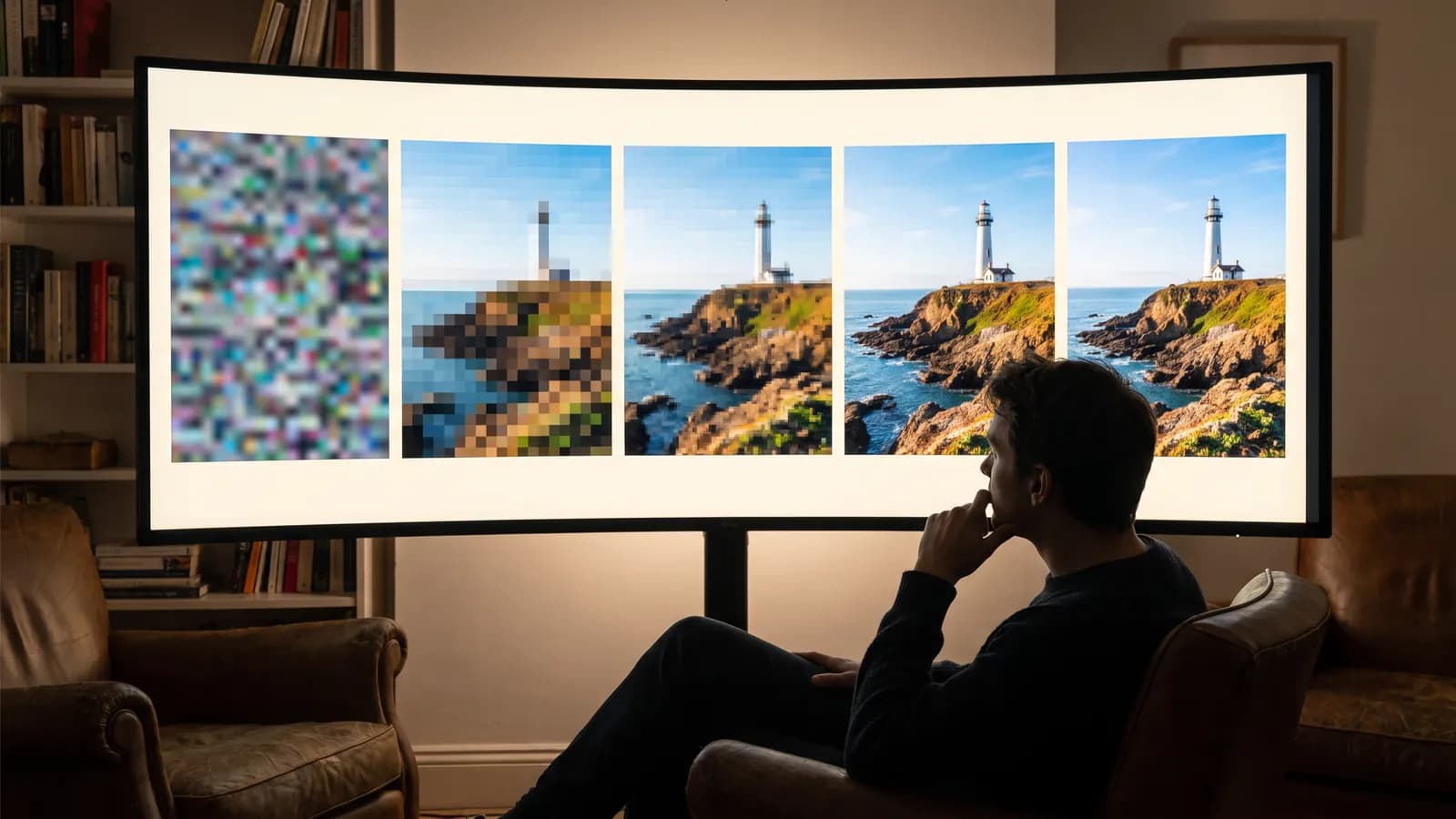
How does AI video generation work? The idea behind motion
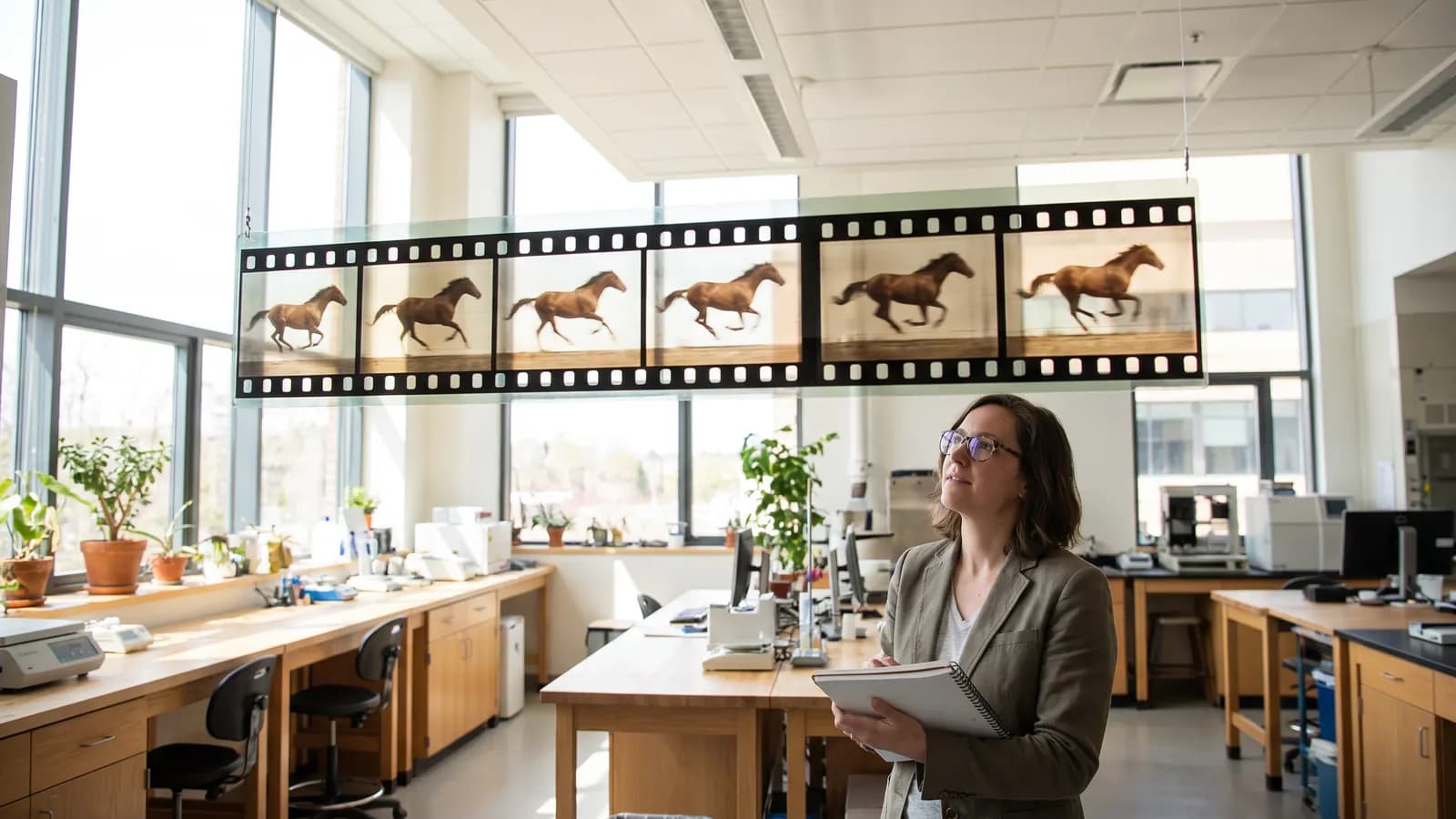
An AI video model does not draw frames one by one; it builds the motion as a whole. We explain how diffusion was extended to time, why clips stay short and how text and photo inputs differ.
7 min read
Guides
AI generation costs: how do credit and token systems work?
AI tools price generation in tokens or credits because every generation is real computation. Resolution, duration and model drive the cost; we also collected ways to spend less.
7 min read
Guides
Browser or app? What to look for when choosing an AI tool
The browser suits detailed work on a big screen, the app suits quick generation from your phone. We explain the differences in screen, uploads, privacy, payments, notifications and offline use.
7 min read

Guides
AI for invitations and celebration images: prompts, text, print
Making invitations and celebration images with AI is quick, but text, size and consent need care. We gathered example prompts, text tips, print sizes and consent rules for using photos of people.
7 min read
Safety & rights
What is a deepfake and how can you tell? A responsible-use guide
A deepfake is AI-generated or altered image, audio or video that looks like a real person or event. We explain the harms, how to verify content and what responsible use looks like.
7 min read
Safety & rights
AI image copyright: who owns it and how can you use it?
Copyright in AI images depends on how much creative contribution a person made. We explain the position under the U.S. Copyright Office, a court ruling and EU rules, the training-data debate and practical steps.
7 min read

Safety & rights
AI and privacy: what happens to the photo you upload?
A photo you upload is generally sent to a provider and processed; retention and training use depend on the policy. We explain what to check and the basics of your GDPR and KVKK rights.
7 min read

Safety & rights
Labelling AI content: the EU AI Act and platform rules
Article 50 of the EU AI Act asks providers for machine-readable marking and deepfake publishers for disclosure. We explain the timelines, platform rules and C2PA content credentials.
7 min read