Models
The best AI image models in 2026: which one for which job?
The best AI image model depends on the job. We compared Nano Banana, Seedream and FLUX using only official sources: who makes it, what it takes, what resolution it reaches, and where it stands out.
Zling AI Team6 min read
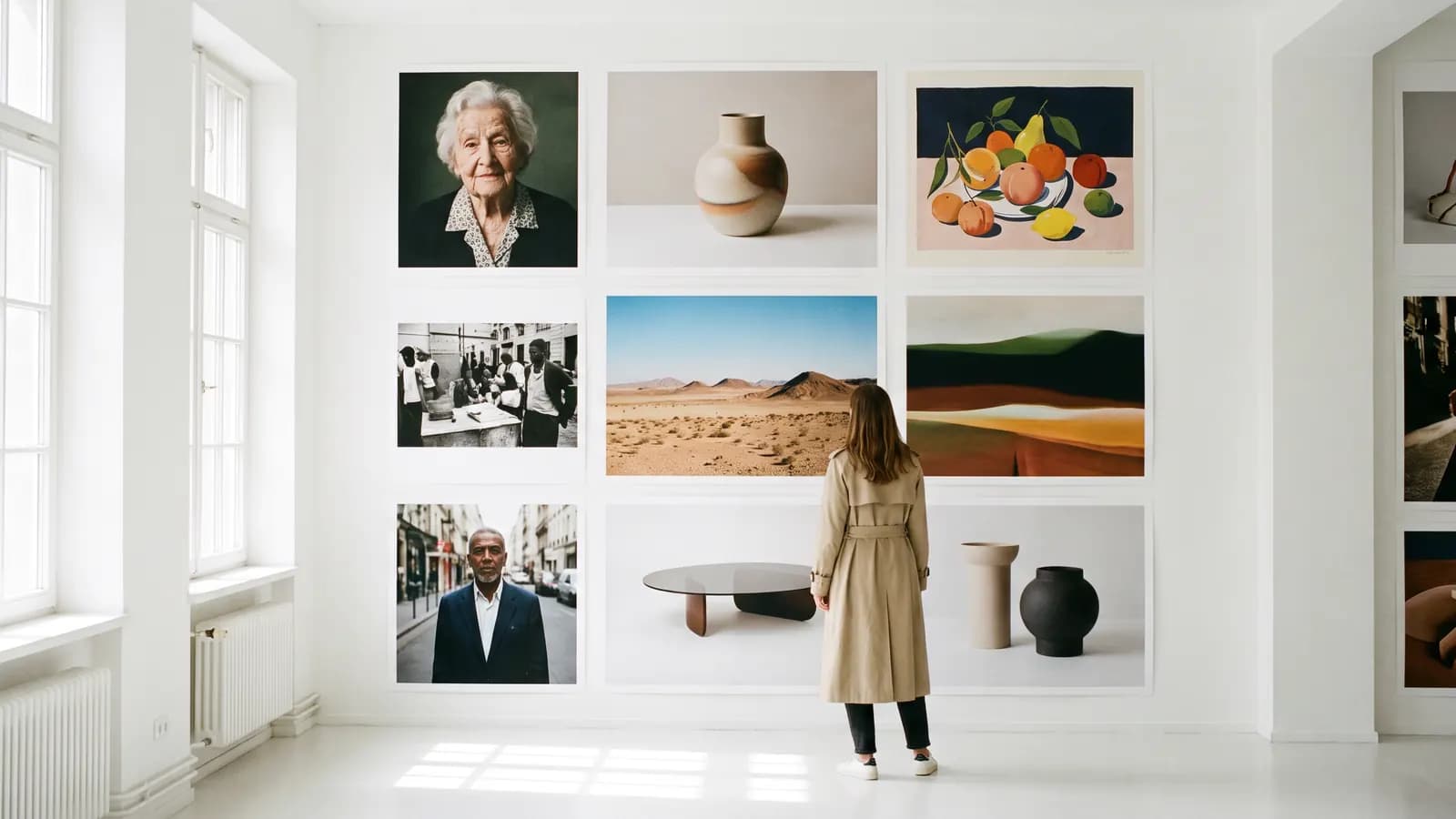
Short answer: there is no single "best" AI image model. Different models stand out for photo editing, text-heavy posters, fast experiments and running on your own computer. In this article we compare Google's Nano Banana family, ByteDance's Seedream and Black Forest Labs' FLUX using only the makers' official announcements and documentation: what they do, how many reference images they accept, what resolution they reach, and which job they suit.
Which models did we compare?
We chose three families for which we could find clear information in official sources: Nano Banana (Google), Seedream (ByteDance Seed) and FLUX (Black Forest Labs). There are other strong models, but we did not write anything we could not tie to a solid, current official source. We also did not use independent leaderboards, because their criteria are often unclear and they go out of date quickly.
One thing up front: the limit a maker announces may not be open in the app or plan you use. Resolution, reference counts and duration vary by access route.
Comparison table
| Model | Maker | Inputs and editing | Official output info | Standout |
|---|---|---|---|---|
| Nano Banana Pro | Text and images; up to 14 references in total | 2K and 4K | Legible multilingual text, consistency for up to 5 characters | |
| Nano Banana 2 and 2.1 | Text and images; up to 14 references in total | 1K, 2K, 4K (512 pixels only on Nano Banana 2) | Fast generation, strong world knowledge, editing by instruction | |
| Nano Banana 2 Lite | Text and images | 1K only | The fastest and lowest-cost member of the family | |
| Seedream 4.0 | ByteDance Seed | Generation, editing and multi-image in one model | Native resolution from 1K to 4K | Generation and editing in one model |
| Seedream 5.0 Pro | ByteDance Seed | Interactive precise editing | Resolution not covered here | Infographics, text in more than ten languages |
| FLUX.2 | Black Forest Labs | Text and references (max, pro, flex: 8 in the API, up to 10 in the playground) | Up to 4 megapixels | Prompt adherence, text, control with color codes |
| FLUX 3 Image | Black Forest Labs | Text and references | 768sq, 1k, 2k and 4k; 15 fixed ratios or auto | Dense text and fine detail; no negative prompt field |
There are no quality scores in the table. The answer to "which one looks better?" lies in your own samples: try the same prompt in two or three models.
Nano Banana: editing by instruction and consistency
Nano Banana is the nickname for Google's Gemini image models. According to the Gemini API documentation, reference images can reach 14 in total, but the split varies by model: 6 objects and 5 characters for Nano Banana Pro, 10 objects and 4 characters for Nano Banana 2.1. The documentation recommends stating clearly what must not change when editing, and working step by step within a conversation. The model card notes that areas such as small text, left-right direction and factual accuracy still need checking.
Seedream: layout, text and editing in one model
With Seedream 4.0, ByteDance brought generation, editing and multi-image work into one model; the official page states native resolution from 1K to 4K. The Seedream 5.0 Pro announcement focuses on infographics, interactive precise editing and text in more than ten languages. The same announcement admits there is still room for improvement in fine-detail text and pixel-level editing consistency.
FLUX: prompt adherence, text and flexible access
What sets the FLUX family apart is its range of access: the BFL documentation describes output of up to 4 megapixels with FLUX.2, multiple references, and giving brand colors as hexadecimal codes. The FLUX 3 Image documentation states 15 fixed aspect ratios, four resolution options and no negative prompt field; you need to describe what you do want instead. Smaller models such as FLUX.2 [klein] were released as open weights; since licenses differ, check each model's license before commercial use.
Which model for which job?
| Your need | Model to consider | Why (per official information) |
|---|---|---|
| Editing a photo by instruction | Nano Banana family, Seedream | Both centre on editing; Nano Banana recommends a "what to keep" sentence |
| Posters, covers, infographics | Seedream 5.0 Pro, Nano Banana Pro, FLUX 3 Image | Text- and layout-focused features were announced |
| Keeping the same character across a series | Nano Banana (Pro up to 5 characters), FLUX references | Multi-reference support |
| Fast, high-volume experiments | Nano Banana 2 Lite, FLUX.2 [klein] | Designed for speed and low cost |
| Running on your own computer | FLUX open-weight versions | Weights are downloadable; check license and hardware |
| High resolution (4K) | Nano Banana Pro/2, Seedream 4.0, FLUX 3 Image | 4K output is stated on the makers' pages |
What questions should you ask when choosing?
- Is there text? For text-heavy jobs such as posters or menus, try the models that highlight text and check the result letter by letter.
- Editing or generating from scratch? If you have an existing photo, models centred on editing make the job easier.
- How many references do you have? Check how many images you can give for characters, products and style; the numbers vary by model.
- Which resolution? For social media 1K is often enough; for print you may need 2K or 4K.
- Where will it run? Cloud, an app or your own hardware.
Run a small test with the same prompt:
A cozy bookshop window at dusk with a hand-lettered sign that reads “OPEN LATE”, warm lamp light, rain on the glass, shallow depth of field.
Look at the accuracy of the text, the light and the framing; each model may behave differently on these three.
How do you run a fair test?
The most reliable way to compare models is to try the same prompts under the same conditions. Three small tests are enough: a poster that contains text, a product photo, and an edit on an existing photo. That way you see for yourself which area each model stands out in.
- Same prompt, same ratio: Equalize the ratio and the resolution; different ratios change the framing and spoil the comparison.
- Take several outputs: A single result may be down to chance; ask each model for a few images.
- Score with the same criteria: Set four headings such as text accuracy, light, detail and prompt adherence, and judge every image against the same headings.
- Run the editing test separately: Upload the same photo and ask for a single change.
Product test: A ceramic mug on a light oak table beside a folded linen napkin, soft window light from the left, shallow depth of field, clean commercial look.
Editing test: Change only the background to a quiet seaside at sunset; keep the person, clothing and framing exactly the same.
When you finish, you hold a ranking built for your own work; it is worth more than a general list because it was measured against your needs.
Common mistakes
- Trusting a single ranking: "Best" lists do not show their criteria; try with your own samples.
- Driving every model with the same prompt: FLUX 3 Image has no negative prompt, while in Nano Banana a "what to keep" sentence helps.
- Starting at the highest resolution: Small for drafts and large for the final is more efficient.
- Not checking the text: Whichever model you pick, read the text in the image letter by letter.
- Skipping the license: An open-weight model is not always open for commercial use.
- Forgetting to label: When sharing an AI-generated image, say so; Google's models also add a SynthID watermark.
Summary
- There is no single best image model; text, editing, reference count, resolution and access route decide.
- Nano Banana stands out for editing and character consistency, Seedream for layout and text, FLUX for prompt adherence and flexible access.
- Reference counts and resolutions vary by model and access route; check the official documentation.
- Decide with a short test using the same prompt, and check the text.
Frequently asked questions
Which is the best AI image model in 2026?
There is no single answer. Nano Banana stands out for photo editing and character consistency, Seedream 5.0 Pro for layout and text, FLUX for prompt adherence and flexible access. A short test with the same prompt is the most reliable way.
Which model produces the best text in images?
The makers all highlight text: Nano Banana Pro stresses legible multilingual text, Seedream 5.0 Pro text in more than ten languages, and FLUX 3 Image dense text. In all of them you still need to check the text letter by letter.
How many reference images can I give?
According to the Gemini API documentation, up to 14 in total for Nano Banana models; 6 objects and 5 characters for Pro, 10 objects and 4 characters for 2.1. According to the BFL documentation, FLUX.2 [max], [pro] and [flex] take 8 in the API and 10 in the playground.
Which image model can I run on my own computer?
Black Forest Labs publishes open-weight models from the FLUX family; details and licenses differ by version. Read the relevant model's official page for hardware requirements and commercial-use terms.
Why are there no prices in this comparison?
Prices change often with version, resolution and plan, so we left them out rather than risk wrong information. Check the makers' own pages for current prices.
Sources
- Google AI for Developers: Image generation with Gemini (Nano Banana)
- Google (2025), Nano Banana Pro: Gemini 3 Pro Image
- Google DeepMind (2026), Nano Banana 2.1 model card
- ByteDance Seed: Seedream 4.0
- ByteDance Seed (2026), Beyond Generation, It Understands Design: Introducing Seedream 5.0 Pro
- Black Forest Labs (2025), FLUX.2: Frontier Visual Intelligence
- Black Forest Labs documentation: FLUX.2 overview
- Black Forest Labs documentation: FLUX 3 Image
Related posts
Models
What is Nano Banana? Editing photos with Google's image model
Nano Banana is the nickname of Google's Gemini image models. You upload a photo, say in one sentence what should change, and the model keeps the rest. This guide covers the versions, prompt examples and limits.
10 min read
Models
Video generation with Veo 3.1: what it does and where it stops
Veo 3.1 is Google DeepMind's model that turns text and photos into short videos with sound. We cover what it can do according to the official docs, its length and resolution limits, and how to build a good video prompt.
9 min read
Models
From photo to video with Kling: motion, camera and length
Kling is Kuaishou's video model: it takes a photo as the starting point and animates it according to the motion you describe. We cover lengths by version, camera and motion prompts, video with sound and common mistakes.
9 min read