Models
The best AI video models in 2026: comparison and buying guide
There is no single best video model; it depends on the job. We compared Veo, Kling, Seedance, Wan and Hailuo using only official sources: maker, inputs, duration, strengths and best uses.
Zling AI Team7 min read
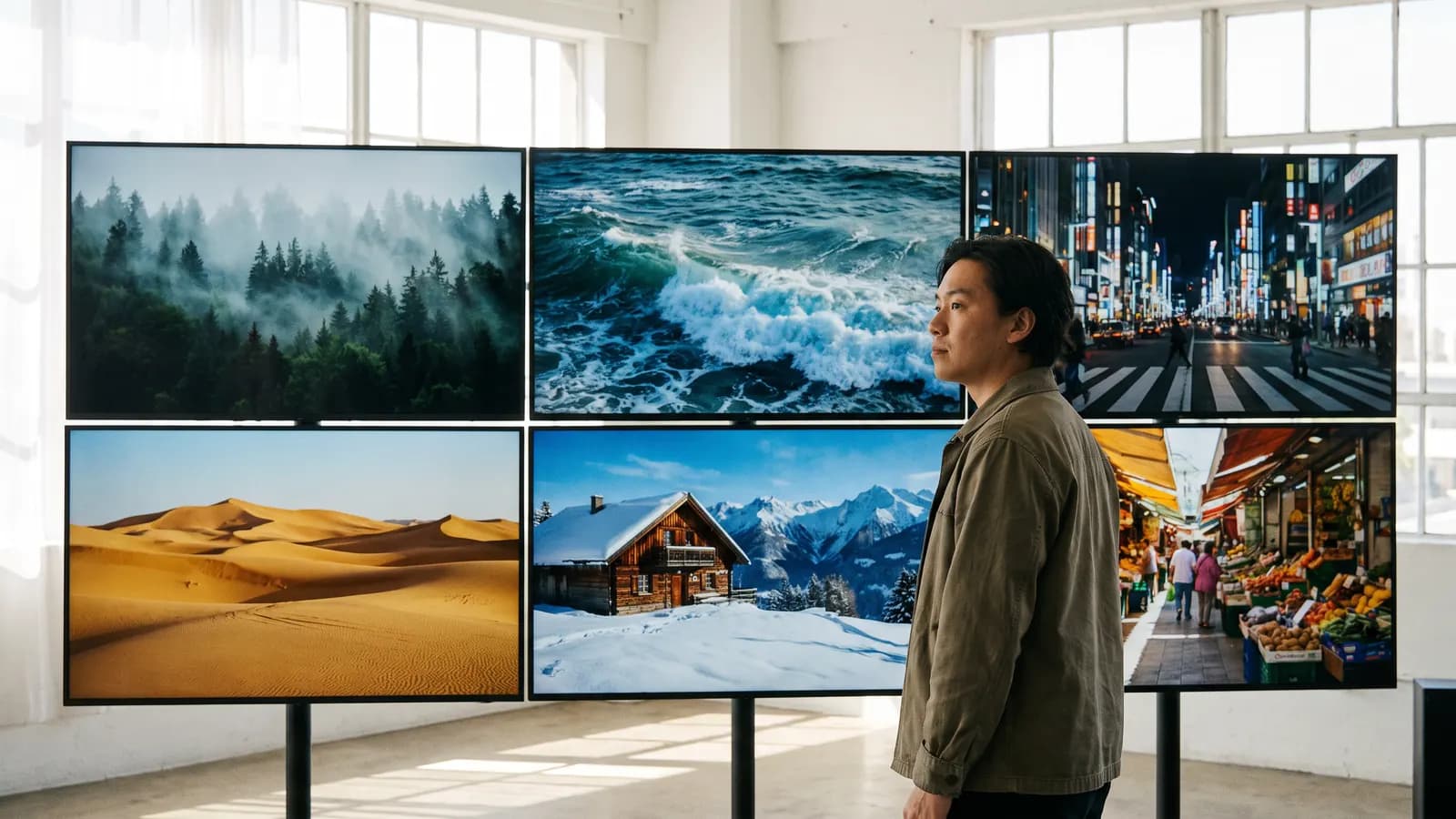
Short answer: there is no single "best" AI video model; which one is best depends on your job. In this article we compare Veo, Kling, Seedance, Wan and Hailuo using only the makers' official announcements and documentation: who makes it, what inputs it takes, how much video it produces in one go, and what it suits. We did not use independent leaderboards or third-party comparisons, because most are either outdated or unclear about their criteria.
Which models did we compare, and which did we leave out?
We included five families for which we could find clear feature and limit information in official sources: Google's Veo 3.1, Kuaishou's Kling, ByteDance's Seedance, Alibaba's Wan and MiniMax's Hailuo/H3. There are other models, but we did not write anything we could not tie to a solid, current official source. A model's absence from the list does not mean it is bad.
One more caveat: the upper limit a maker announces may not be the limit you can choose in every app or plan. Duration, resolution and number of inputs vary by access route.
Comparison table: maker, inputs and official duration
| Model | Maker | Input types | Official duration info | Standout |
|---|---|---|---|---|
| Veo 3.1 | Google DeepMind | Text, image (first frame), up to 3 reference images, first-last frame, scene extension | 4, 6 or 8 seconds; 720p, 1080p and 4K | Audio output, cinematic prompt adherence, consistency with references |
| Kling 3.0 | Kuaishou | Text, image, reference video | Up to 15 seconds | Multi-shot storytelling, multilingual speech |
| Kling 4.0 | Kuaishou | Text, image; up to 15 references and 10 keyframes | Up to 30 seconds in one pass | Long clips, many references |
| Seedance 2.0 | ByteDance Seed | Text, image, audio and video | 15-second multi-shot video | Four input types, multi-shot narrative with sound |
| Seedance 2.5 | ByteDance Seed | Broad reference support, multi-turn extension | 30 seconds in one take | Long single take, flexible references |
| Wan 2.6 / 2.7 | Alibaba | Text, image; first-last frame and video continuation in 2.7 | 2 to 15 seconds; 720p and 1080p | Audio support, open-weight predecessors (2.1, 2.2) |
| Hailuo H3 | MiniMax | Text, image (first/last frame), up to 9 images, 3 videos, 3 audio clips | 4 to 15 seconds; 768P or 2K | Native stereo sound, reference-based generation, open source |
Each row in the table rests on the statements on that model's official page. It contains no quality comparison: you should answer "which one looks more realistic?" with your own samples, because the makers' results and independent tests are not measured on the same criteria.
What sets each model apart?
Veo 3.1: short, sounded and controlled clips
According to Google's documentation, Veo 3.1 clips are 4, 6 or 8 seconds, with 16:9 and 9:16 ratios. Audio is always generated. It can use an image as the first frame, try to keep a subject consistent with up to three reference images, produce a transition between a first and last frame, and extend a scene. For long stories you need to proceed piece by piece, but for a short, controlled clip it is a strong option.
Kling: duration and multi-shot storytelling
According to the Kling 3.0 announcement, it brought multi-shot storytelling up to 15 seconds and multilingual speech. Kling 4.0, in October 2026, offered up to 30 seconds in one pass and input of up to 15 references and 10 keyframes. For long, reference-heavy scenes, Kling's duration advantage is clear.
Seedance: varied inputs and single-take length
Seedance 2.0 takes text, image, audio and video input together and produces 15-second multi-shot video with sound. According to ByteDance's announcement, Seedance 2.5 offers 30 seconds in one take and multi-turn extension. It is a good candidate for ads and social videos guided by reference images and audio.
Wan: a family that started with open weights
Wan2.1 and Wan2.2 were released as open weights (Apache 2.0); you can try them on your own hardware. In the cloud, according to the documentation, versions 2.6 and 2.7 produce 2 to 15 seconds at 720p-1080p and support audio. For someone who wants both local and cloud options, Wan offering both in one family is a plus.
Hailuo: new generation, reference-based and open
MiniMax's H3 takes text, image, video and audio in a single context, produces video with stereo sound up to 15 seconds, and according to the official announcement has been open-sourced. In the API you can choose 768P or 2K. It is interesting for anyone who wants to pin down a character, a motion or a voice through references.
Which model for which job?
| Your need | Model to consider | Why (per official information) |
|---|---|---|
| A short, sounded, cinematic clip | Veo 3.1 | 4-8 seconds, always audio, references and first-last frame |
| A clip of up to 30 seconds in one go | Kling 4.0 or Seedance 2.5 | Both announced 30 seconds in one pass |
| Guiding with audio, video and images | Seedance 2.0 / 2.5, Hailuo H3 | They take several input types together |
| Trying it on your own computer | Wan2.1, Wan2.2 (and H3 open weights) | Released as open weights; check the hardware requirements |
| Animating a photo | All of them (image-to-video) | A short clip that starts with one movement is enough |
| A scene with multilingual speech | Kling 3.0 and later, Seedance (1.5 pro and later), Hailuo H3 | Sound and picture are generated together |
What questions should you ask when choosing?
- How long must the clip be? Is 8 seconds enough, or 15, or 30? Length narrows the candidate list.
- Do you need sound? Most new versions generate audio together with picture; for a silent clip that is not necessarily an advantage.
- Do you have references? If you have a character photo, a product image, audio or a motion video, prefer models that support references.
- Where will you run it? A cloud API, an app or your own hardware; the access route changes the limits.
- What language will the speech be in? Look at the official language lists; Turkish is missing from many.
A practical method: try two or three models with the same prompt and the same photo at short durations, and compare the results against your own criteria.
A short test plan in three clips
Before deciding, give each candidate the same three small tasks. That way you pick the model that fits your own work without relying on general lists.
- Animating a photo: Upload the same photo and write a short prompt describing only motion and camera.
- A short scene from text: Ask for the shortest duration with the same scene description and compare light and camera.
- A scene with references: In models that support references, supply the same character image and see how well the face holds throughout the clip.
Test prompt: A baker pulls a tray of fresh bread from a stone oven, steam rises, warm light from the oven, medium shot, slow push in.
Use the same criteria in every test: naturalness of motion, prompt adherence, sound (if any) and consistency.
Common mistakes
- Trusting a single ranking: "Best" lists hide their criteria; run the test that fits your own job.
- Assuming the announced limit applies everywhere: The app you use may restrict duration or resolution.
- Confusing length with quality: 30 seconds does not mean a better video than 8; for most jobs a short, clean clip is better.
- Neglecting the prompt language: For important work an English prompt is more predictable.
- Not reading the license: Open weights do not mean free commercial use; check each model's license.
- Forgetting to label: When you share an AI-generated video, say so.
Summary
- There is no single best video model; duration, sound, references and access route decide.
- Veo 3.1 for short, sounded, controlled clips; Kling 4.0 and Seedance 2.5 for 30 seconds in one go.
- Seedance and Hailuo H3 stand out for multi-type guidance, Wan for the local-run option.
- The durations and resolutions in the table are upper limits announced by the makers; they vary by access route.
- Make the decision with a short test using the same prompt and photo.
Frequently asked questions
Which is the best AI video model in 2026?
There is no single answer. Veo 3.1 stands out for short clips with sound, Kling 4.0 and Seedance 2.5 for up to 30 seconds in one go, Seedance and Hailuo H3 for multi-type input, and Wan for local runs. A short test with your own job is the most reliable way.
Which video model produces the longest clip?
According to official announcements, Kling 4.0 offers up to 30 seconds in one pass and Seedance 2.5 offers 30 seconds in one take. Veo 3.1 does 4-8 seconds, and Wan 2.6/2.7 and Hailuo H3 go up to 15 seconds.
Is there a video model I can run on my own computer?
Wan2.1 and Wan2.2 were released as open weights under Apache 2.0, and MiniMax announced that it open-sourced H3. Hardware requirements are high; check the memory figures in the official repository.
Which models generate audio?
According to official sources, Veo 3.1, Kling 2.6 and later, Seedance 1.5 pro and later, Wan 2.5 and later, and Hailuo H3 generate audio together with the picture. Language and quality of the audio vary by version.
Why are there no prices in this comparison?
Prices change often with version, resolution and plan, so we left them out rather than risk wrong information. Check each maker's own page for current prices.
Sources
- Google AI for Developers: Generate videos with Veo 3.1 in the Gemini API
- Google Cloud documentation: Veo 3.1 (Gemini Enterprise Agent Platform)
- Kling AI (2026), Kling AI Launches 3.0 Model
- Kuaishou (2026), Kling AI Officially Launches Next-Generation Kling 4.0
- ByteDance Seed (2026), Seedance 2.0 Official Launch
- ByteDance Seed (2026), One-take Creation, Flexible Referencing: Introducing Seedance 2.5
- Wan-Video (GitHub), Wan2.2: açık ağırlıklı video modelleri
- Alibaba Cloud Model Studio: Wan text-to-video API reference
- MiniMax (2026), MiniMax H3: An Open Model Breaking the Boundaries Between Tasks and Modalities
- MiniMax API Docs: Video Generation
Related posts

Models
What is Nano Banana? Editing photos with Google's image model
Nano Banana is the nickname of Google's Gemini image models. You upload a photo, say in one sentence what should change, and the model keeps the rest. This guide covers the versions, prompt examples and limits.
10 min read

Models
Video generation with Veo 3.1: what it does and where it stops
Veo 3.1 is Google DeepMind's model that turns text and photos into short videos with sound. We cover what it can do according to the official docs, its length and resolution limits, and how to build a good video prompt.
9 min read
Models
From photo to video with Kling: motion, camera and length
Kling is Kuaishou's video model: it takes a photo as the starting point and animates it according to the motion you describe. We cover lengths by version, camera and motion prompts, video with sound and common mistakes.
9 min read