Models
What are the Wan video models and how do you use them?
Wan is Alibaba's family of video models. Some releases are downloadable as open weights, while newer ones are offered as a hosted service on Alibaba Cloud. Versions, limits and prompting, taken from official sources.
Zling AI Team8 min read
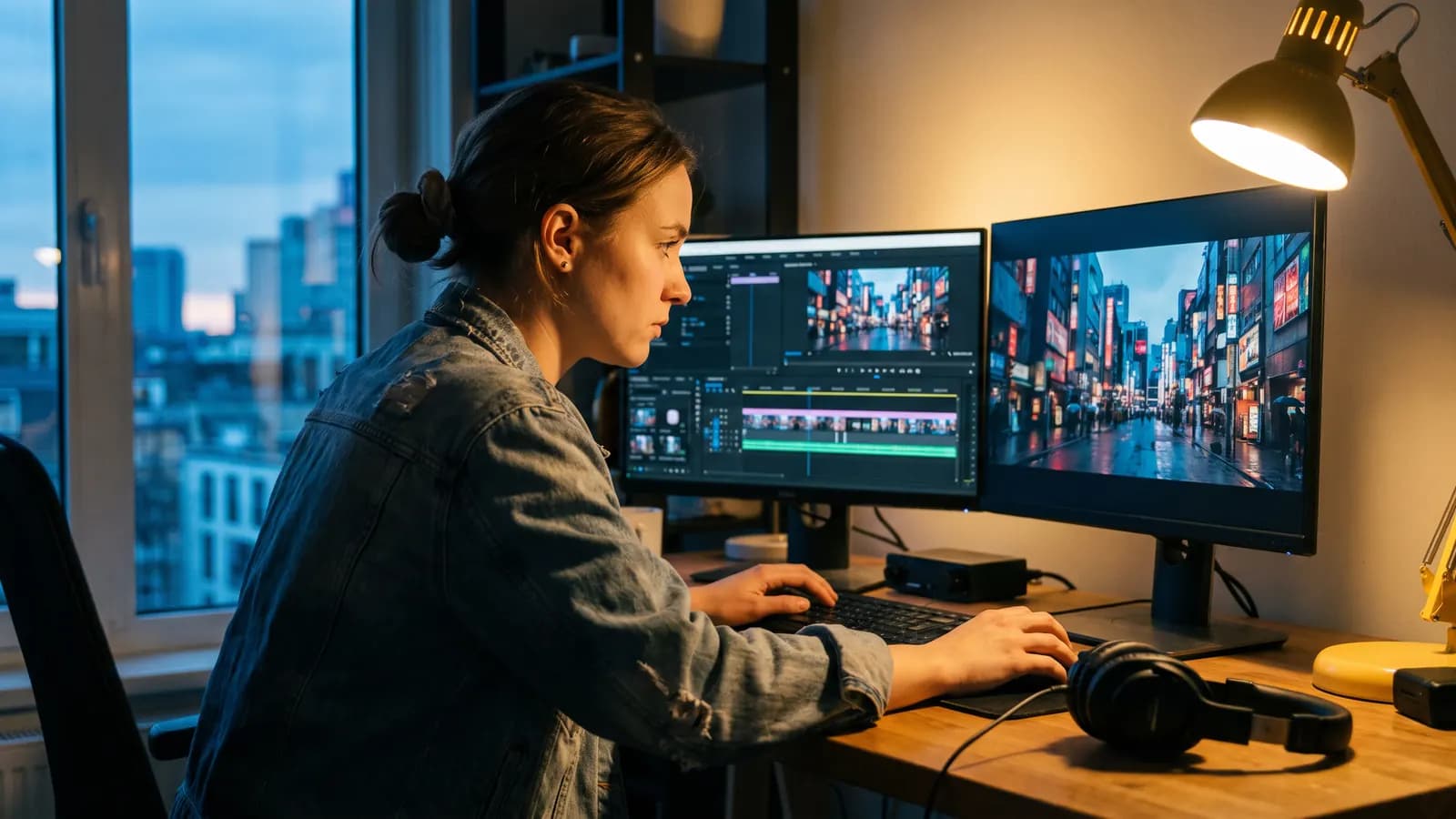
Short answer: Wan is Alibaba's family of video generation models. It produces short clips from a scene you describe (text-to-video) or from a photo you upload (image-to-video). The first releases were published as open weights, which means you can download the models and run them on your own computer. Newer versions are offered as an API through Alibaba Cloud Model Studio. This article explains which version is which, what the official documentation says about limits, and how to write prompts.
What is Wan and who makes it?
Wan is a family of generative video models released by Alibaba. The official repositories live under the Wan-Video account on GitHub, and the documentation for the hosted versions is in Alibaba Cloud Model Studio. These are two separate doors, and they do not offer the same thing: the open repositories give you weights you can run on your own hardware, while the Model Studio documentation describes versions you call as a service.
The distinction matters because when you see a name like "Wan 2.6" in an article or a video, you need to know whether it is a downloadable model or an API model. In the sections below we report only what the official repositories and documentation state.
Which Wan versions are open-weight?
According to the official repositories, two version families were released as open weights, and both carry the Apache 2.0 license.
| Version | Release (repo news section) | Main models | Official resolution info |
|---|---|---|---|
| Wan2.1 | February 25, 2025 | T2V-14B, T2V-1.3B, I2V-14B, FLF2V-14B, VACE | 480P and 720P (480P recommended for T2V-1.3B) |
| Wan2.2 | July 28, 2025 | T2V-A14B, I2V-A14B, TI2V-5B; later S2V-14B and Animate-14B | 480P and 720P (720P for TI2V-5B) |
The Wan2.1 repository covers text-to-video, image-to-video, first-and-last-frame-to-video, and video editing with VACE. For the smallest text-to-video model, T2V-1.3B, the repository says it needs about 8.19 GB of video memory and generates a 5-second 480P video in about 4 minutes on an RTX 4090. So there is a model you can try even on a consumer graphics card.
The Wan2.2 repository describes a "mixture of experts" (MoE) design: the A14B models have 27 billion parameters in total, but about 14 billion are active at each step. One expert handles the early steps that set the overall layout, and another handles the later steps that refine detail. The TI2V-5B model, which takes both text and images, is listed at 720P and 24 frames per second; the repository states it needs at least 24 GB of video memory on a single GPU. For the A14B models that threshold is 80 GB.
The repository later added models for audio and character animation: speech-driven video (S2V-14B) in August 2025 and character animation and replacement (Animate-14B) in September 2025. Its news section does not mention Wan2.5 or anything after it.
What do the hosted versions offer?
The Alibaba Cloud Model Studio documentation lists newer versions as API models. Here is the table drawn from its text-to-video reference:
| Model name | Duration | Resolution options | Audio |
|---|---|---|---|
| wan2.1-t2v-turbo / plus | Fixed 5 seconds | 480p-720p / 720p only | Silent |
| wan2.2-t2v-plus | Fixed 5 seconds | 480p and 1080p | Silent |
| wan2.5-t2v-preview | 5 or 10 seconds | 480p, 720p, 1080p | Generated by default |
| wan2.6-t2v | 2 to 15 seconds | 720p and 1080p | Generated by default |
| wan2.7-t2v | 2 to 15 seconds | 720p and 1080p | Optional audio input; without it the model generates music or effects |
According to the documentation, from 2.5 onward you can supply your own audio file (WAV or MP3); audio longer than the video is cut, and shorter audio is followed by silence. Only 2.6 and 2.7 support multi-shot video, where you describe several shots inside the prompt. The output is MP4 (H.264). One warning: Model Studio says video links and task IDs stay valid for 24 hours, so download your result right away.
How do text-to-video and image-to-video work?
Text-to-video: You write only a prompt, and the model tries to build the subject, scene and motion as you described them. According to the documentation, the prompt can be up to 1,500 characters for 2.5 and later (800 for 2.1 and 2.2), and the negative prompt up to 500 characters; anything beyond that is cut.
Image-to-video: You upload a photo, and the model uses it as the first frame of the video and animates it. The documentation lists JPEG, PNG (without transparency), BMP and WEBP for the input image, 240 to 8000 pixels per side, and a maximum file size of 20 MB for 2.5 and 2.6. The output keeps the input's aspect ratio only approximately, not exactly, because the dimensions must be multiples of 16.
The documentation presents 2.7 as adding modes such as first-and-last-frame and video continuation, so the "photo to video" door is not limited to a first frame. You need to check in your own interface which modes your tool has enabled.
How do you write a good Wan prompt?
Alibaba's own prompting guide gives a simple formula: subject + scene + motion. The more advanced version adds aesthetic control (lighting, shot) and style. According to the guide, weak prompts often skip aesthetic control and style, and the result is a static camera in an undefined setting.
Weak: A woman walks in a city.
Better: A young woman in a yellow raincoat walks along a wet cobblestone street at dusk, medium shot, camera slowly pushes in, warm streetlamp light reflecting on the stones, soft film look.
Other points the guide highlights:
- Camera language: Shot size (close-up, medium, wide), angle (eye level, low angle, aerial) and movement (push in, pull out, orbit, fixed camera) can be written separately. For orbit moves the guide suggests keeping the arc under 45 degrees.
- Lighting: Phrases such as daylight, soft or hard light, side light, backlight and warm or cool tones steer the result noticeably.
- Motion: State amplitude and speed ("slowly", "quickly"). Keep actions simple and short; long choreographies perform poorly. A clip should be one continuous shot, with scene changes left between clips.
- In image-to-video: The image already defines the subject, scene and style, so write only what moves and what the camera does.
- Multi-shot: For 2.6 and 2.7 the guide suggests an overall description followed by numbered shots with timestamps, such as "Shot 1 [0-3 s]".
- Sound: From 2.5 onward you can add speech, effects and music next to the visual prompt.
Image-to-video: The girl slowly turns her head toward the window and smiles; curtains sway in a gentle breeze; the camera stays fixed.
Alibaba also offers a prompt_extend setting: it is on by default, and a language model expands a short prompt. The documentation says it improves quality but adds latency. The open-weight repositories recommend the same idea: prompt extension is advised to enrich detail in the video.
Seed and repeatability
In Model Studio the seed is an integer from 0 to 2,147,483,647; if you omit it, one is chosen at random. A fixed seed makes results more repeatable, but the documentation is explicit: generation is probabilistic, and results may differ even with the same seed. So a seed is not a "save button", it is a pointer.
What limits are officially known?
- Text and lip sync: Alibaba's prompting guide says not to expect fully legible on-screen text or reliable lip sync to specific words.
- Names of real people: The guide advises against naming real people; platforms may reject them, or results may be inconsistent.
- Circular motion: In image-to-video, the documentation notes that wan2.6-i2v-flash may briefly stall on continuous rotation of round objects.
- Hardware: If you run the open models yourself, the A14B models need at least 80 GB of video memory on a single GPU, so for most people a hosted version or a smaller model is more realistic.
- Frame rate: The API documentation does not state the frame rate of the hosted versions; you can only learn it from your own tool's output.
There is also your own responsibility: ask permission before animating someone else's photo, and share the result as AI-generated. The Apache 2.0 license makes no claim over generated content, but the repository also stresses that responsibility for use lies with the user.
Who is Wan for, and when?
- People who want to experiment on their own computer: Wan2.1 T2V-1.3B or Wan2.2 TI2V-5B are the closest to consumer graphics cards.
- People who want longer clips with sound: The 2.5, 2.6 and 2.7 versions in Model Studio, with up to 15 seconds and audio support.
- People who want to animate a still photo: The image-to-video modes; a short, motion-focused prompt is enough.
Common mistakes
- Mixing up open-weight and hosted versions: The repositories stop at 2.2; 2.5, 2.6 and 2.7 appear in the documentation as API models.
- Asking for many scenes in one prompt: Keep a clip to one continuous shot; build the story clip by clip or use the multi-shot format.
- Leaving out the camera: If you do not specify it, the result is often a static camera.
- Re-describing the image in image-to-video: Do not repeat what the photo shows, describe the motion.
- Writing complex choreography: Simple, short actions come out cleaner.
- Forgetting to download the result: Hosted links are valid for 24 hours.
Summary
- Wan is Alibaba's video model family; Wan2.1 and Wan2.2 are open-weight (Apache 2.0), while 2.5-2.7 are offered as APIs in Model Studio.
- According to official documentation, hosted 2.6 and 2.7 produce 2-15 seconds at 720p and 1080p; audio is supported since 2.5.
- A good prompt covers subject, scene, motion, lighting and camera; in image-to-video, only motion and camera.
- A seed improves repeatability but does not guarantee it.
- Text, lip sync and real people's names are known weak spots.
- Download results right away, get permission for other people's photos, and label the video as AI-generated.
Frequently asked questions
Is Wan free?
Wan2.1 and Wan2.2 were released as open weights under the Apache 2.0 license; you can download them and run them on your own hardware, but you need a powerful graphics card. The hosted versions (Model Studio) are billed per API use; check Alibaba Cloud's pricing page for current terms.
How many seconds of video can Wan generate?
According to the Model Studio documentation, wan2.6 and wan2.7 produce clips of 2 to 15 seconds. It lists 5 or 10 seconds for wan2.5 and a fixed 5 seconds for 2.1 and 2.2. The options in the tool you use may differ.
Can I write Wan prompts in Turkish?
The open repositories say the model can generate Chinese and English text and uses a multilingual text encoder. There is no official performance commitment for Turkish; for important work, an English prompt is more predictable.
How do I make a video from a photo with Wan?
Upload a sharp photo and write only what should move and what the camera does. According to the documentation, the model uses the image as the first frame of the video; remember that the image already defines the subject, scene and style.
Can Wan generate video with sound?
According to the Model Studio documentation, wan2.5 and later generate audio by default (background sound or music), and you can supply your own WAV or MP3 file. The hosted 2.1 and 2.2 versions are silent.
Sources
- Wan-Video (GitHub), Wan2.1: açık ağırlıklı video modelleri
- Wan-Video (GitHub), Wan2.2: açık ağırlıklı video modelleri
- Alibaba Cloud Model Studio: Wan text-to-video API reference
- Alibaba Cloud Model Studio: Wan image-to-video API reference
- Alibaba Cloud Model Studio: Wan text-to-video and image-to-video prompting
Related posts
Models
What is Nano Banana? Editing photos with Google's image model
Nano Banana is the nickname of Google's Gemini image models. You upload a photo, say in one sentence what should change, and the model keeps the rest. This guide covers the versions, prompt examples and limits.
10 min read
Models
Video generation with Veo 3.1: what it does and where it stops
Veo 3.1 is Google DeepMind's model that turns text and photos into short videos with sound. We cover what it can do according to the official docs, its length and resolution limits, and how to build a good video prompt.
9 min read
Models
From photo to video with Kling: motion, camera and length
Kling is Kuaishou's video model: it takes a photo as the starting point and animates it according to the motion you describe. We cover lengths by version, camera and motion prompts, video with sound and common mistakes.
9 min read